WhatsApp
CEDAR CAFÉLunch receiptAED 42.00
Here’s my receipt. ✓✓From your phone
Send a receipt photo while the purchase is still fresh.
WhatsApp capture ↗Send your receipts and bills, review the details, and keep your bookkeeper supplied with organised records.
For everyday purchases, supplier bills and the person keeping your books in order.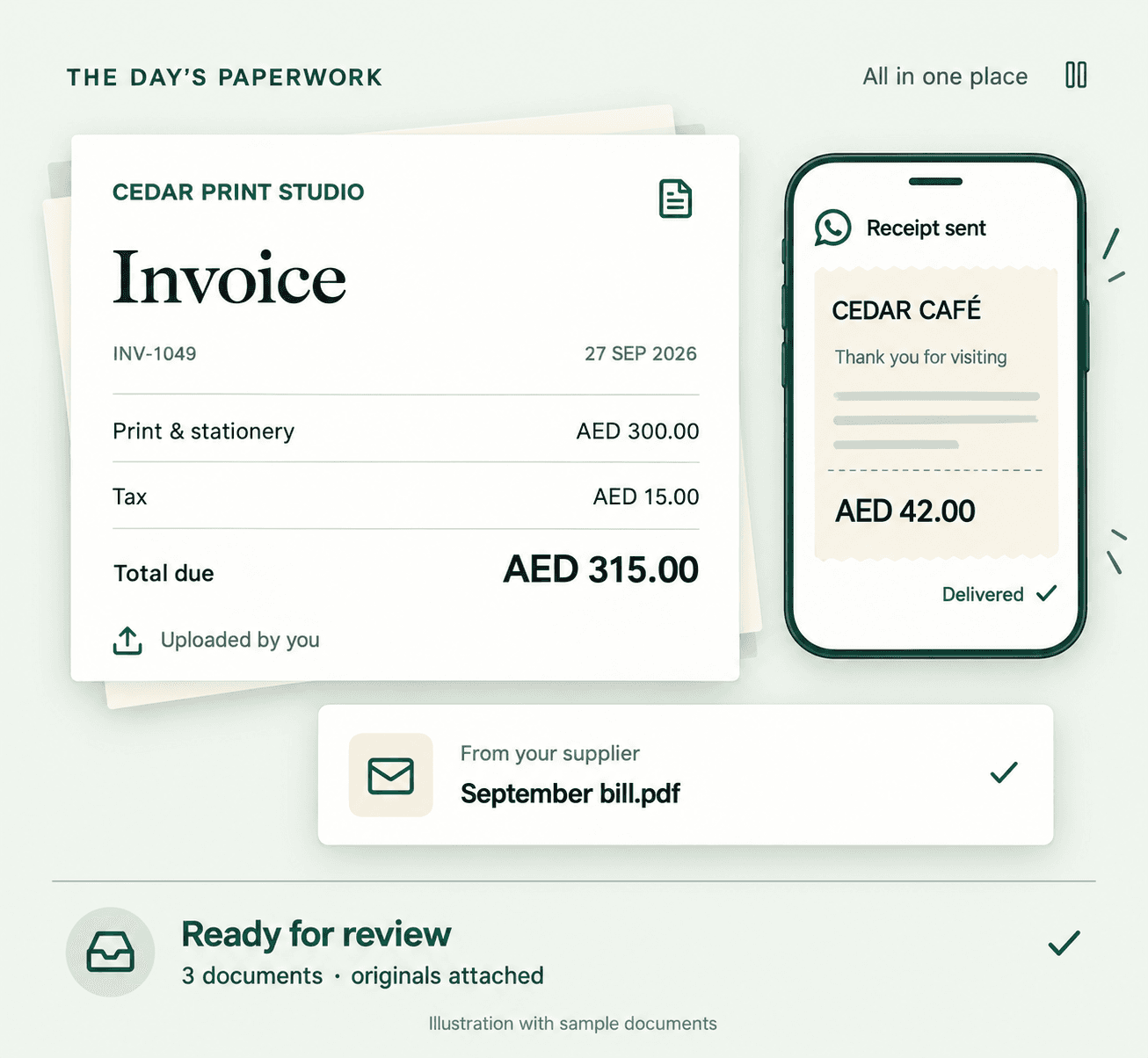
Three everyday moments. One place to begin review.
Channels depend on your plan and setup.
Send a receipt photo while the purchase is still fresh.
WhatsApp capture ↗From: Cedar Print Studio
Your September invoiceForward supplier attachments to your configured Sumext address.
Email capture ↗Upload a saved invoice or a clear photo of a paper bill.
Upload guide ↗Keep the original document with the record, so the next person has the evidence too. Explore every capture channel ↗
See the invoice beside its extracted details. Check the supplier, date, tax and total before you approve.
Hover, focus or tap a field to find the matching value. Try the sample approval to see the next status.
See the full review workflow ↗WhatsApp and email captures remain in review. QuickBooks Online and Zoho Books require approval. Optional review-free processing is limited to eligible Xero documents under enabled, previously approved vendor rules.
Approval guidance ↗Check a value against its source.
Sample only · no live postingKeep the paperwork and the decision together.
Your bookkeeper can see what needs attention.
Connect your supported ledger and keep your existing bookkeeping routine. Review in Sumext, then follow the accounting workflow for your platform.
Comparing options? Sumext vs Dext · Sumext vs TofuConnect your ledger, send a document, and review the result.


